Switch on Raspberry Touchscreen back-light on touch/mouse click
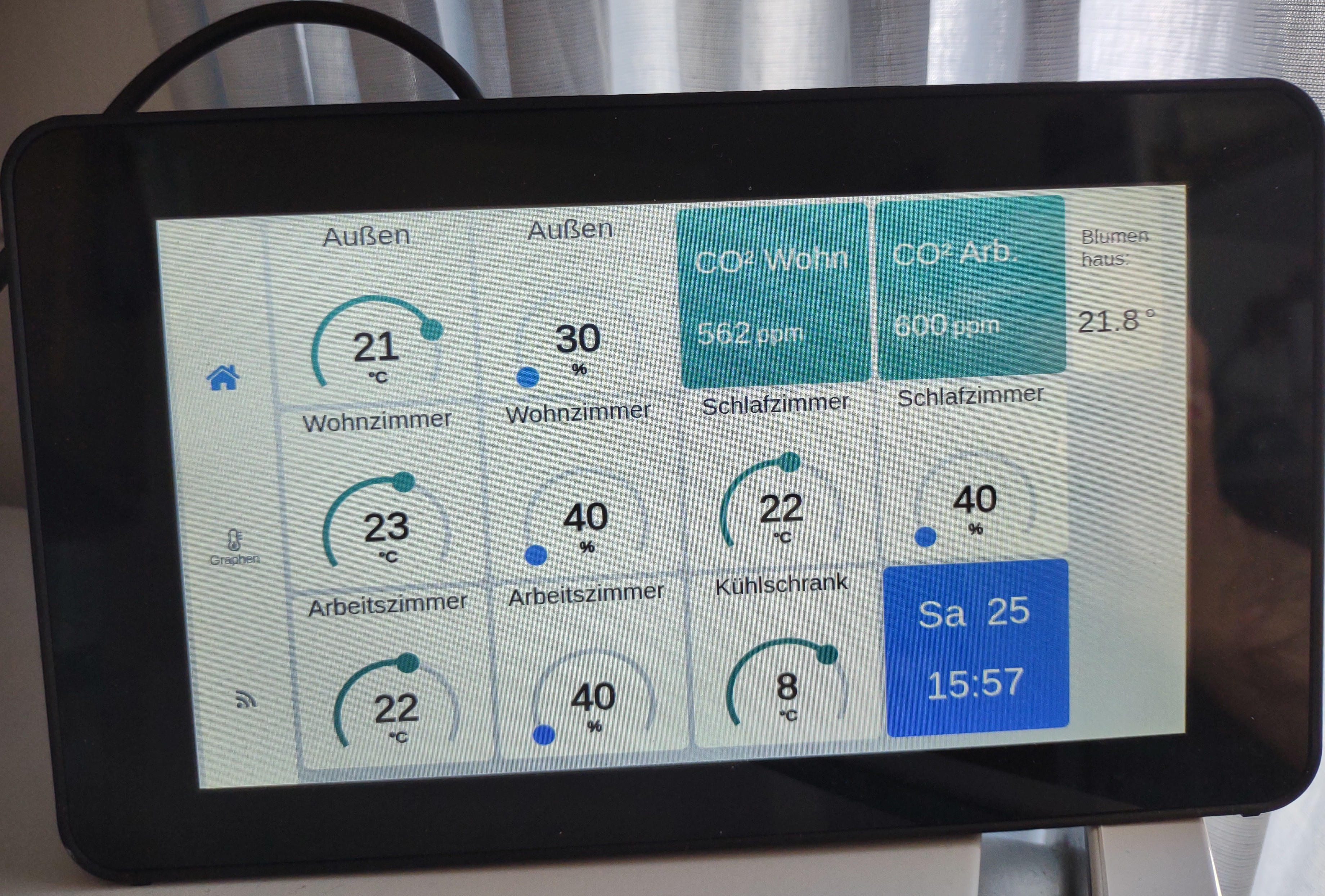
I’m using a Raspberry 3 with the official touchscreen as a display for my weather station. Since I didn’t want to have the back-light on all the time i created the following system service to run in the background and on every touch activate the back-light for 6 minutes (360 seconds). Since it was a little bit tricky triggering the right /sys elements, here my solution.
Currently running on RaspberryOS Bookworm on a Raspberry Pi 3 Model B Rev 1.2.
/root/screenblanker.sh Script:
#!/bin/bash
chmod a+rw /sys/class/backlight/10-0045/bl_power
sleep 120
echo 1 >/sys/class/backlight/10-0045/bl_power;
while true
do
        cat /dev/input/mice | read -n 1
        echo 0 >/sys/class/backlight/10-0045/bl_power
        sleep 360
        echo 1 >/sys/class/backlight/10-0045/bl_power;
done
This script is started by the following systemd service config (screenblanker.service):
# Screenblanker Service
[Unit]
Description=Screenblanker Service
Wants=network.target
After=network.target

[Service]
User=root
Group=root
WorkingDirectory=/root
ExecStart=/bin/bash /root/screenblanker.sh
Restart=always

[Install]
WantedBy=multi-user.target